ModelsImageGrok
Grok Imagine 2.0AI image generator
The one to reach for when the words in the picture have to be right.
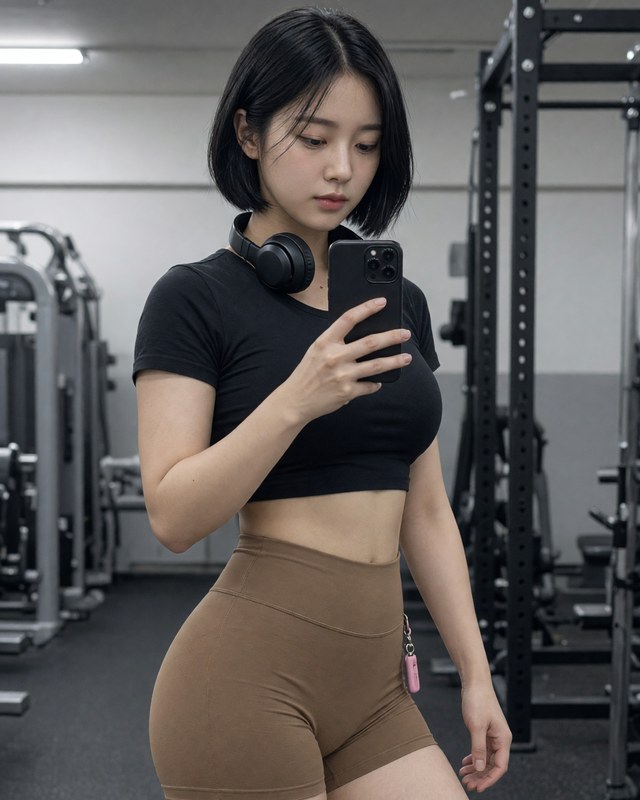
Grok Imagine 2.0 is xAI's current image model and the strongest instruction follower in the studio. Where most models treat a prompt as a mood board and improvise the details, this one reads it closer to a brief: if you ask for three objects on the left and a specific colour on the right, you tend to get that rather than a pleasing approximation of it.
Its stand-out capability is typography. Legible, correctly spelled text inside a generated image is still the hardest thing to get out of a diffusion model, and this is the model on onaiagents most likely to hand you a poster, a shop sign or a book cover whose words survive being read. It also accepts up to five reference images at once, so you can hold a character, a product or a palette steady across a series instead of re-rolling until something matches.
What Grok Imagine 2.0 is good for
- Posters, packaging, album art — anything with real words in it
- Prompts with precise spatial or colour instructions
- Editing with several reference images at once
Worth knowing before you spend credits
It is the priciest of the three Grok tiers. If the picture has no text in it and no fussy layout requirement, plain Grok Imagine usually lands somewhere close for well under half the credits.
Questions
Can Grok Imagine 2.0 write text inside an image?
Yes — it is the model here most likely to produce correctly spelled, legible text. Keep the wording short and put it in quotes in your prompt.
How many reference images can I attach?
Up to five, in the edit and multi-edit modes, so a character or product can stay consistent across a set.