ModelsVideoOpen models
Wan 2.2 (image to video)AI video generator
Alibaba's 14B image-to-video model, running without a local GPU.
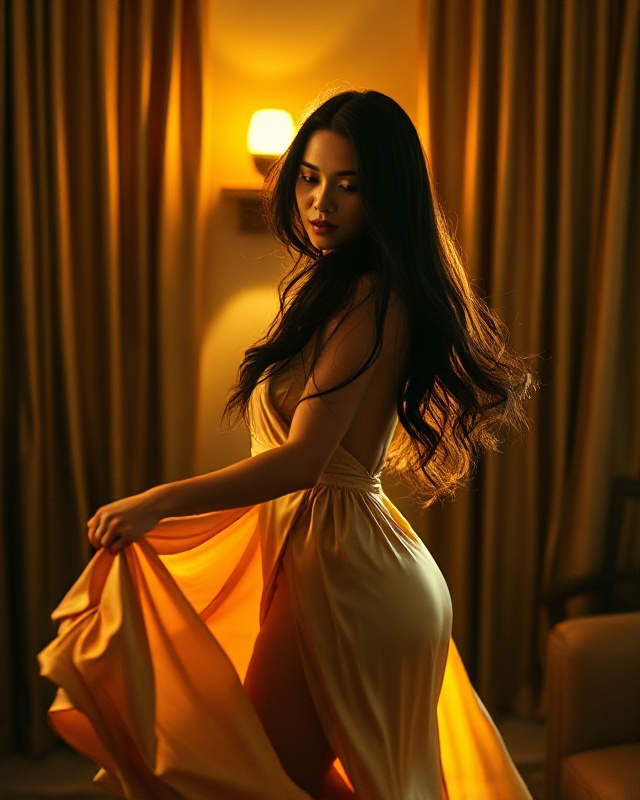
Wan 2.2 I2V-A14B is one of the strongest open image-to-video models available. It takes a still image and a description of the motion and produces 720p video from it — the subject, framing and colour of your source frame are preserved while the scene moves.
Running it locally means a 14-billion-parameter model and a lot of VRAM. Here it runs server-side, so the requirement is a browser and an image. Clip length is 5 or 8 seconds, and because it is image-to-video rather than text-to-video the composition is decided by the frame you supply rather than re-rolled by the model — which is what makes it repeatable.
What Wan 2.2 (image to video) is good for
- Animating a still you already have, rather than generating from text
- Running Wan 2.2 without a 14B-capable local GPU
- Keeping a subject and framing consistent while adding motion
Worth knowing before you spend credits
Render time is genuinely long — around two minutes for a 5-second clip, and almost all of that is the model itself rather than queueing. Length is limited to 5 or 8 seconds; the provider rejects anything else. For text-to-video with no source image, use Kling instead.
Questions
What is Wan 2.2?
An open image-to-video model from Alibaba, published as Wan-AI/Wan2.2-I2V-A14B. It animates a supplied still image at 720p.
Can I run Wan 2.2 without a GPU?
Yes. It runs server-side here, so no local install or VRAM is needed.
How long can a Wan 2.2 clip be?
5 or 8 seconds. Those are the only lengths the model accepts.
How long does a Wan 2.2 render take?
About two minutes for a 5-second clip. Nearly all of that is model inference rather than waiting in a queue.